
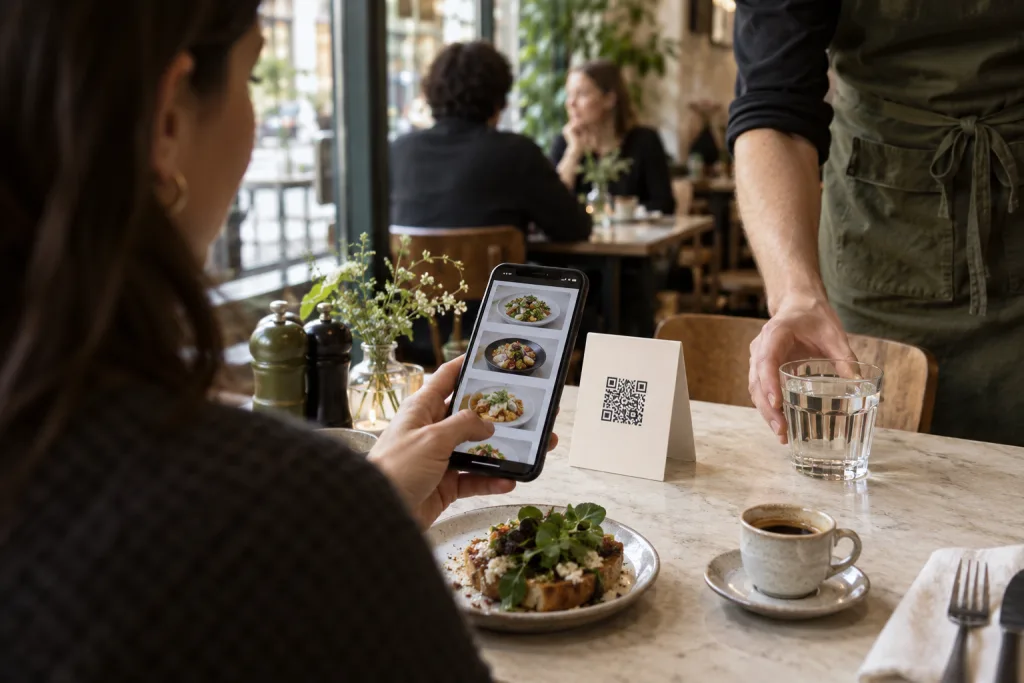
Make the starting point visible
Place the table code where it's easy to read and briefly explain what happens after scanning. Guests should open the right menu directly on their own phones. Keksu assigns each order to its table.
Prepare the menu for decisions
Clear names, current prices and suitable photos make choosing easier. Add variants and extras where needed. A multilingual menu can reduce further questions.
Plan repeat orders with your team
Digital orders still need a clear process in your business. Agree who checks incoming orders and how service, bar and kitchen work together. The POS remains the shared reference point.
Actively offer personal contact
QR ordering complements your team's work. Service requests and “Bill, please” make contact easier. Guests who need help can still be assisted by staff.
Try it at your own pace.
Explore the features in our demo business and see how Keksu fits your day.
Explore QR ordering