
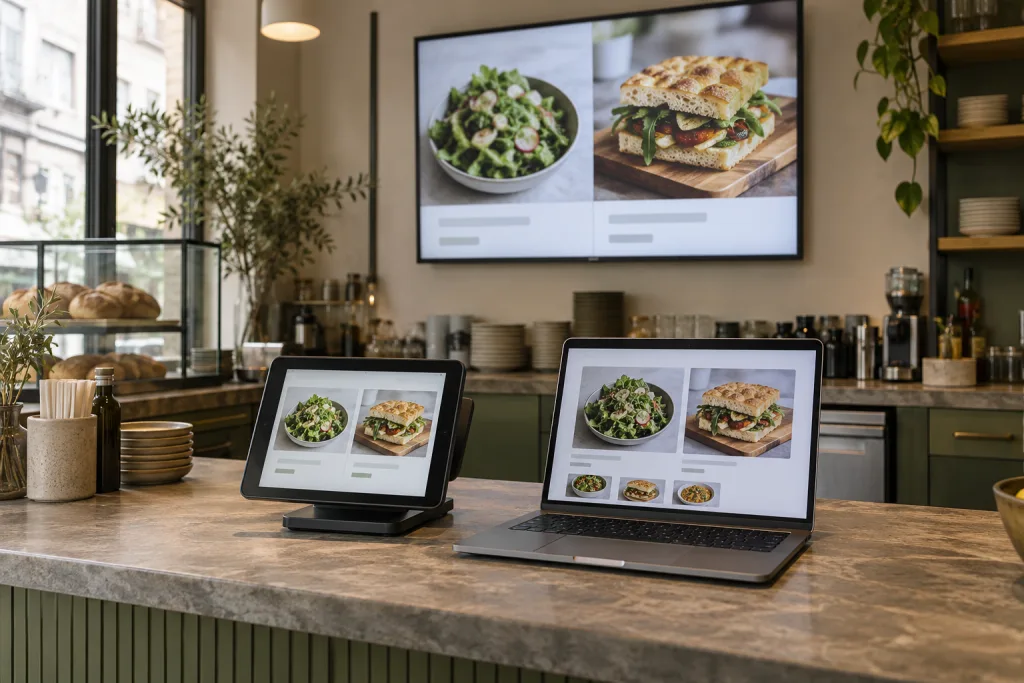
One source for your dishes
Manage names, prices, photos and variants centrally. In Keksu, the menu is the basis for POS and additional booked modules. This reduces duplicate entry.
Build your website from business data
The website module uses your menu, opening hours and contact details. A gallery, blog and contact form complete your presence. Check content and legal details before publication.
Present clearly in your venue
The separate TV module shows dishes and your own offers in a full-screen carousel. Schedule slides for the time of day and keep them legible. A few clear details work better on a distant screen than long text.
Choose images carefully
Choose images that clearly show the dish. Current photos help guests choose; too many details and text within images quickly become distracting. After changes, check the appearance on phones and screens.
Try it at your own pace.
Explore the features in our demo business and see how Keksu fits your day.
Explore website