
The base must cover service
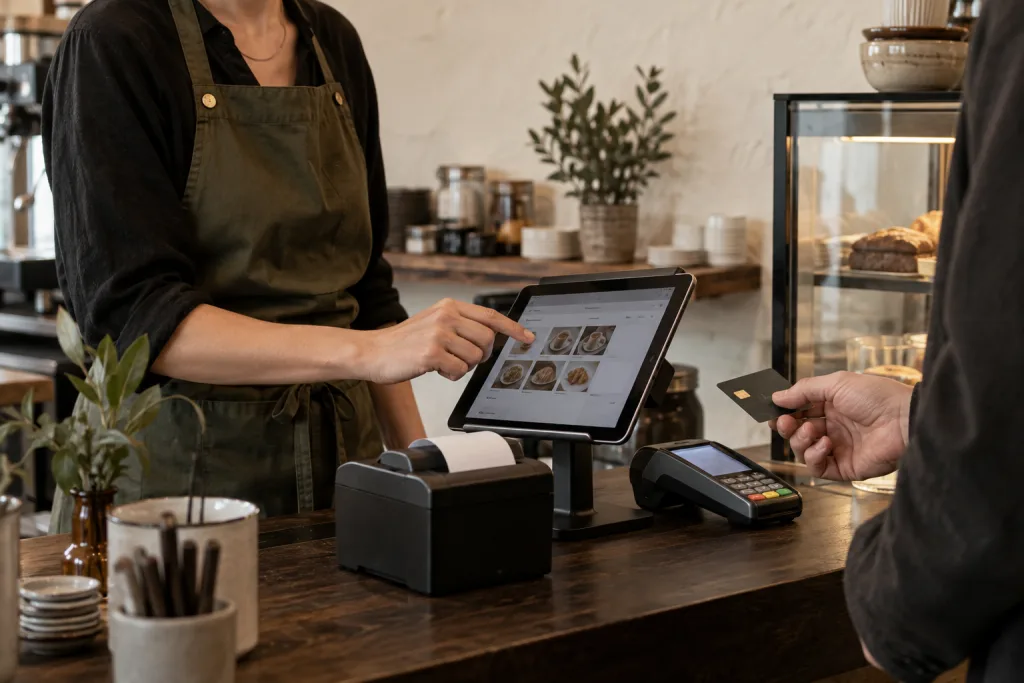
In day-to-day service, steps matter: open a table, choose items, add extras and process the order. Keksu's free base includes POS, table and menu management, and analytics. One POS device is included.
Separate software and running costs
Free POS software doesn't mean every service around it is free. Hardware, additional POS devices, payment provider fees and TSE integration need separate consideration. Always compare the setup your business actually needs.
Add only what you use every day
QR ordering helps when guests should be able to reorder at the table. A staff module helps connect shift planning, working hours and personnel files. Start with your most important workflow and add further modules as needed.
Test a real workflow
Before starting, try a typical order with extras. Then look at the table overview and sales display. What matters is whether your team quickly understands the steps and can complete them confidently.
Try it at your own pace.
Explore the features in our demo business and see how Keksu fits your day.
Kasse & Auswertungen entdecken